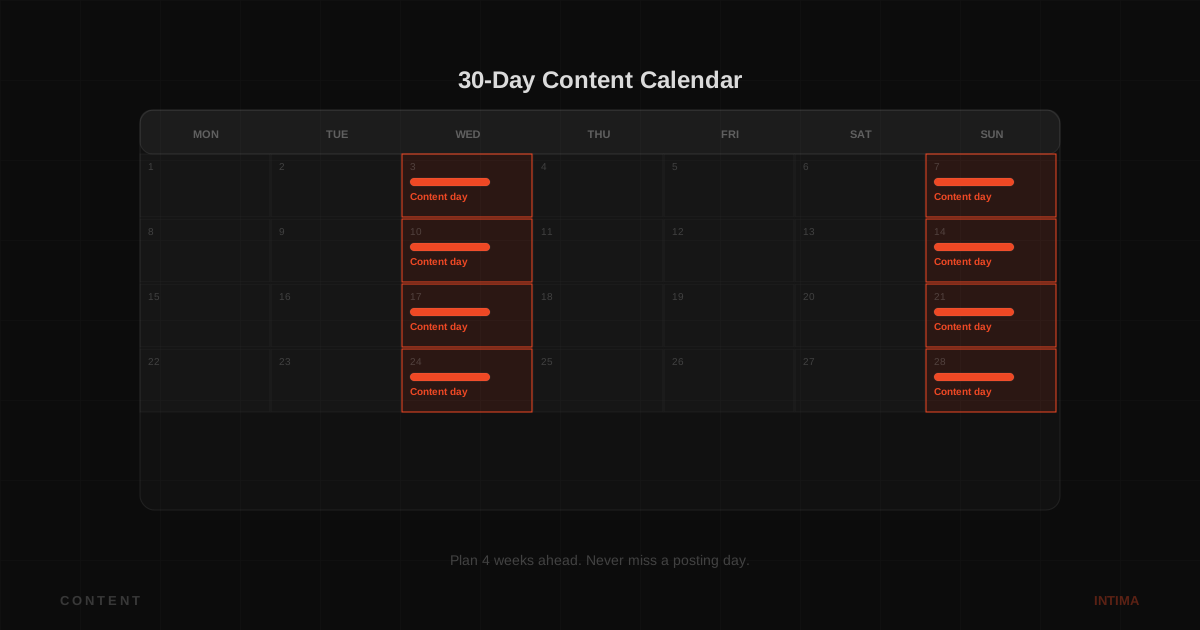
The creators who burn out on OnlyFans are usually not the ones who run out of ideas. They're the ones who create on impulse and post on impulse, which means they're always starting from zero. A content calendar changes that. It's not about being rigid; it's about batching work so you can focus on content when you're in a creative mood and still have posts ready when you're not.
If you want to hand the inbox and PPV side to a team so you can focus on content, see the OnlyFans chatting service.
How often to post
There is no universal answer, but 3 to 5 times per week is the range most active creators use. Fewer than that and subscribers feel the account is quiet. More than that and content quality starts to slip or the work becomes unsustainable.
Start with 3 posts per week if you're new. That's 12 posts a month, which is enough for subscribers to feel the account is active but manageable to produce consistently.
The post type mix
Not every post should be an explicit piece of content, and not every post should be free. A workable mix for most accounts:
- 2 to 3 pieces of main content per week (your core explicit posts)
- 1 to 2 personality or day-in-life posts (builds connection without requiring explicit content)
- 1 PPV per week, timed for when your most active fans are online
- 1 mass message per week with a content preview that pushes traffic to the PPV or to the feed
Adjust the mix based on what your specific audience responds to. Check your stats after a month and shift the balance toward what's earning.
Batching: the system that actually saves time
Batching means creating multiple pieces of content in one session rather than one piece at a time. Shoot three photoshoots' worth of content in two days. Edit on day three. Schedule the posts to go out over the next three weeks. You're not creating every week; you're creating for three weeks once a month.
This works because the creative part of making content is a different mental mode from the daily posting and inbox work. Keeping them separate means each gets done better.
A simple monthly calendar template
| Week | Monday | Wednesday | Friday | PPV/Message |
|---|---|---|---|---|
| Week 1 | Main content | Personality post | Main content | Friday PPV |
| Week 2 | Main content | Behind-the-scenes | Main content | Wednesday mass msg |
| Week 3 | Personality post | Main content | Main content | Friday PPV |
| Week 4 | Main content | Main content | Personality post | Monthly win-back message |
When to send PPV
Most creators' active fans are online in the evening and on weekends. Check your OnlyFans analytics for when your fans are most active and schedule PPV for that window. A PPV sent at 11pm on a Thursday will outperform the same PPV sent at 9am on a Tuesday if your audience is in a US timezone.
The PPV itself needs a preview that's specific enough to be interesting and vague enough that the fan has to buy to see the full thing. See PPV content ideas for specific angles that work.
What to do when you're stuck
Every creator has off weeks. When you're stuck for ideas, look at which of your past posts did best and make a variation of those. Check what other creators in your niche are posting (not to copy but to see what's getting response). Look at your fan requests in DMs. The fans usually tell you exactly what they want; the calendar is just how you turn that information into a posting schedule.
FAQ
Related: OnlyFans content ideas and PPV content ideas.
Content handled. Want the inbox covered too?
Intima chats with your fans so you can focus on what you make.
Book the free call →